Image Generation
FLUX + several SD models, with a built-in prompt optimizer that turns casual text into a proper prompt.

Open Source · Available now
A fully offline, private AI creative studio — in one clean app.
100% local · offline · private · free · open source
No cloud. No API keys. No subscriptions. Every model runs on your own hardware, and your data never goes anywhere. Just one clean window — no node spaghetti, no terminal.
What it does — all offline
FLUX + several SD models, with a built-in prompt optimizer that turns casual text into a proper prompt.
4x-UltraSharp + tiled Ultimate SD Upscale — real added detail, not just a resize.
Rework and reimagine any image with a prompt.
Swap faces between photos, fully offline.
Bring a still photo to life — expression, lips, head motion, with audio.
Ollama models (Qwen, DeepSeek-R1, vision) behind a clean dashboard.
A local coding assistant with an auto test→repair loop and an auto-splitter for big tasks.
Semantic search across your own projects with Qdrant + embeddings.
A look inside

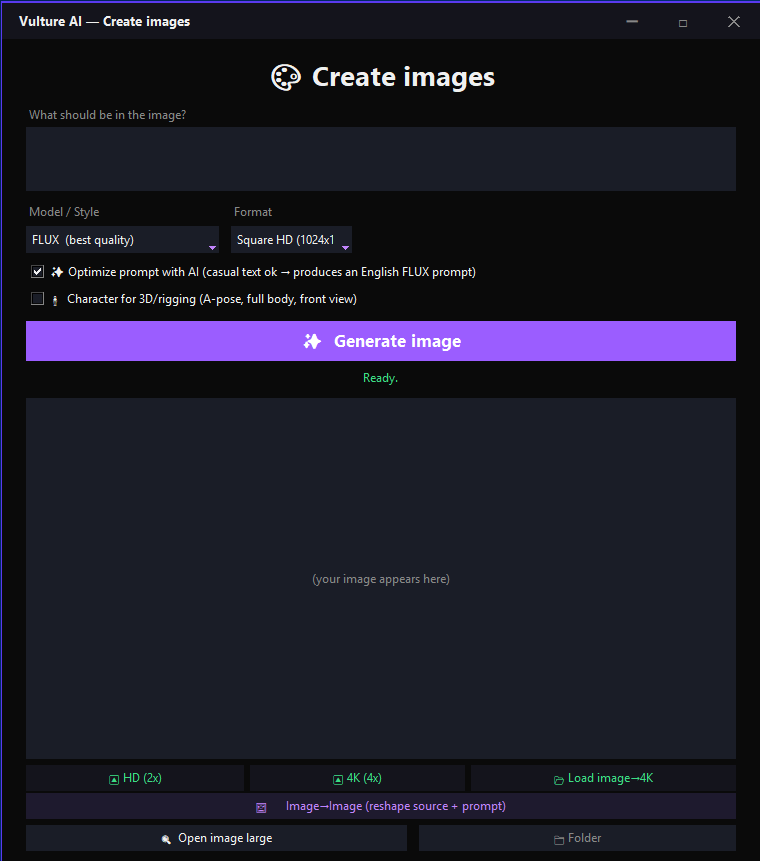
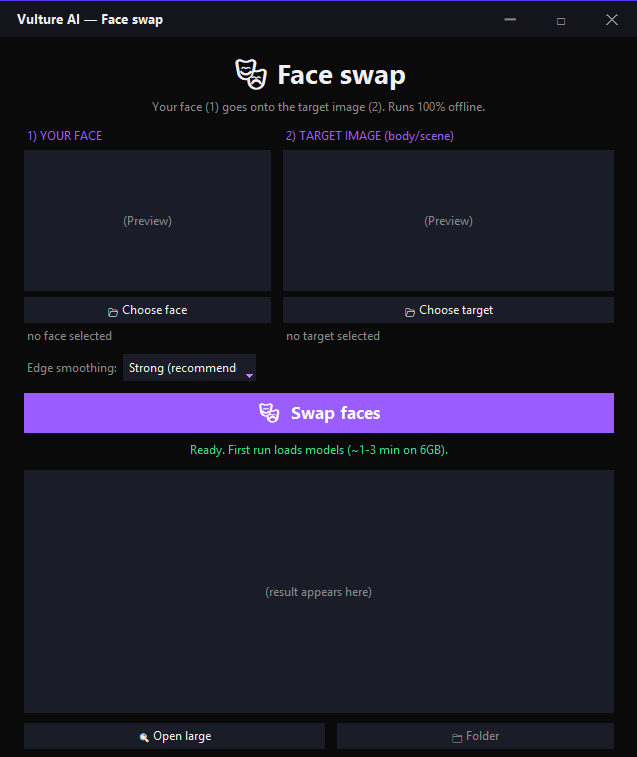
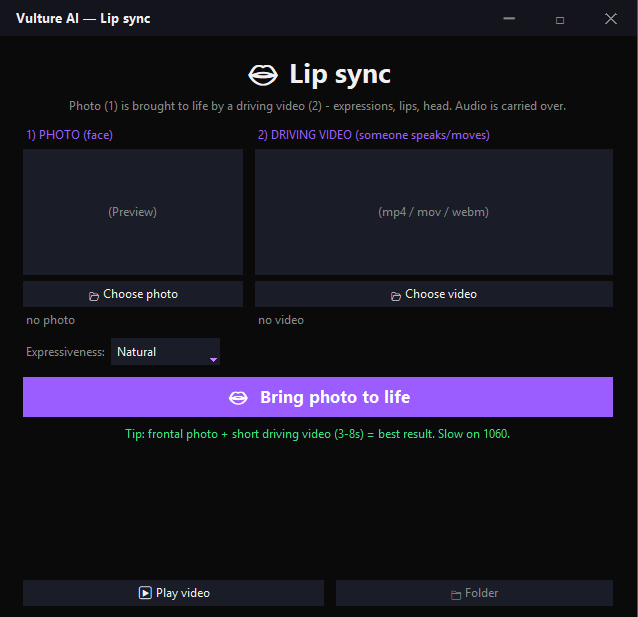
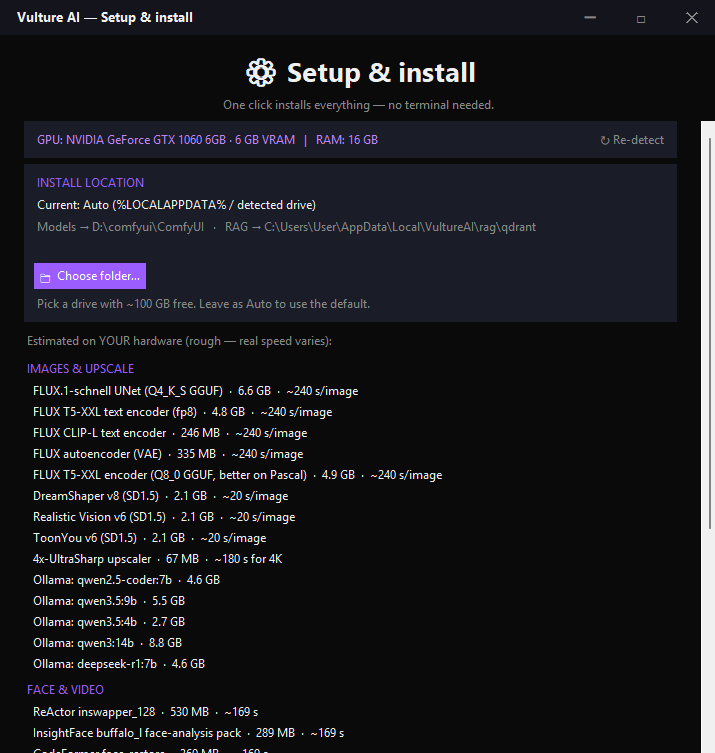
Still rough around the edges and in active development — more coming.
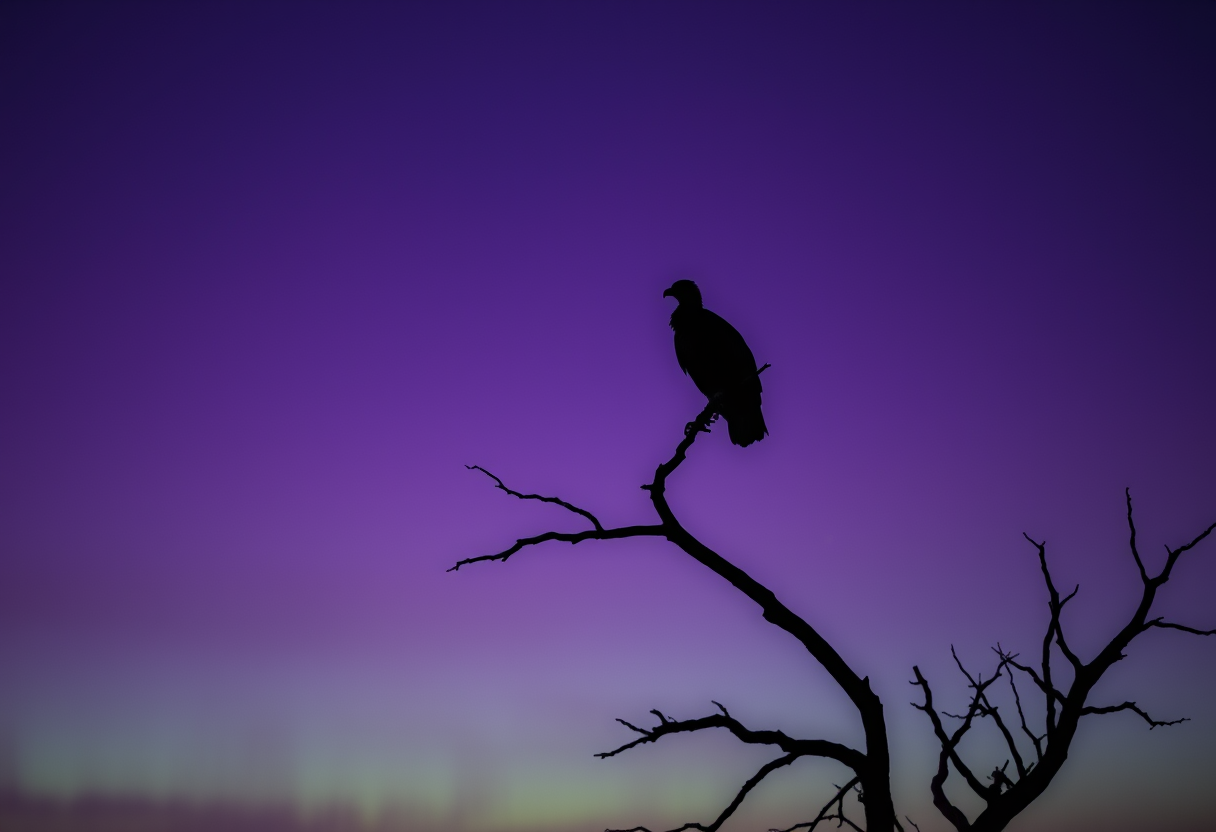
The vulture angle
Most of this runs on a GTX 1060 6GB — an ancient card. It's slow on old hardware, but it works. More VRAM just makes it fly.
Like a vulture, it makes the most out of what everyone else discarded. A whole studio's worth of AI, on the machine already sitting under your desk.
How it works
Vulture AI is the launcher and UI. The heavy AI models aren't bundled — they're downloaded onto your machine from their original sources during setup. That keeps it small, legal, and yours.
Built on the shoulders of ComfyUI, Ollama, Aider, FLUX, Stable Diffusion and many more open-source projects.
Quickstart · Install
The easy way — no terminal
One-time, a few minutes — grab these first: Python 3.11↗ (tick "Add python.exe to PATH"), Git↗, the Ollama app↗ (runs the local chat & coding models), and a current NVIDIA driver↗.
Get the ZIP from GitHub↗ and unzip it anywhere. It's tiny — just the launcher, no models yet.
That's it. It downloads ComfyUI, the models and everything else, then opens the app. Inside, ⚙ Setup shows your hardware, estimated speeds and one-click model downloads — and lets you pick which drive it all lives on.
You'll need Windows + an NVIDIA GPU (6 GB VRAM or more) and about 100 GB of free disk for the models. A few extras (face-swap, the 4x-UltraSharp upscaler) carry non-commercial licenses — Vulture never downloads those; it just points you to them so you grab them yourself.
Prefer the command line?
Grab the launcher — it's tiny. No models yet, just the app.
$ git clone https://github.com/ronnyplayplace-bot/vulture-ai.git
$ cd vulture-aiOne script does the rest: it downloads ComfyUI and the custom nodes, pulls every image model and the Ollama models, then writes your config. This is the long one (~100 GB) — grab a coffee.
$ python setup/install.pyStart Vulture AI: one clean window for generating, upscaling, face-swaps, chat and code. Pull the network cable if you like — nothing ever leaves your machine. (Or just double-click Overlkd-Studio.cmd.)
$ python studio.pyFull requirements and troubleshooting live in the README on GitHub↗.
FAQ
Yes — free and open source under the MIT license. No subscriptions, no API keys, no paywalls. Donations are welcome but never required.
Never. Every model runs locally on your own GPU. After the one-time setup download, Vulture AI works fully offline — no cloud, no telemetry, no trackers. Your prompts, images and files stay with you.
A Windows PC with an NVIDIA GPU. 6 GB of VRAM is the minimum (a GTX 1060 works), 12 GB or more is recommended for speed. Keep about 100 GB of free disk space for the models.
Open models like FLUX and Stable Diffusion for images, and Ollama models such as Qwen and DeepSeek-R1 for chat and coding. They're downloaded from their original sources during setup — not bundled with the app.
The Vulture launcher/UI is MIT — yes, including commercially. It only runs third-party models, and a few are non-commercial by their authors' rules. Fine to sell: images from the default FLUX.1-schnell, SD1.5, and the local LLMs (Qwen, DeepSeek). Personal / research only: face-swap (InsightFace), CodeFormer, the 4x-UltraSharp upscaler, FLUX.1-dev, and LivePortrait. Vulture only downloads the non-commercial ones after you explicitly accept. Full details in the NOTICE↗.
Open source, dropping soon. Star it on GitHub to follow along.